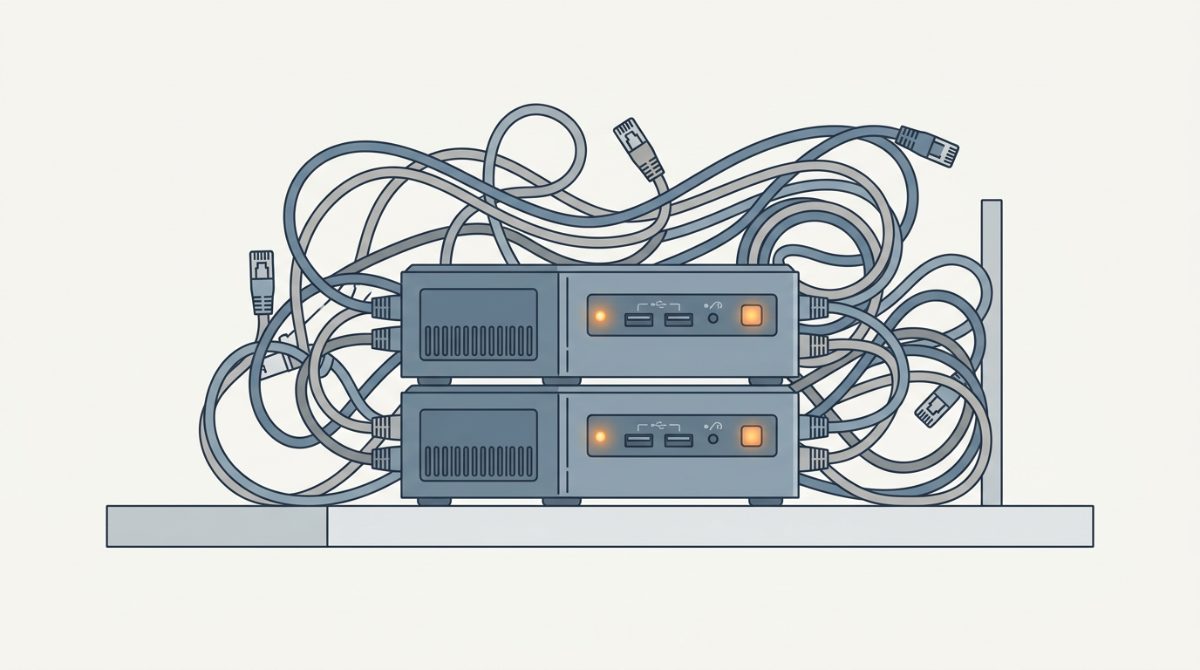
I'm running two servers right now, both mini PCs from Beelink, both on Proxmox. Getting here cost me more money and more lost data than it should have. If I could go back and tell myself one thing before I started home labbing, it's this: figure out what you want to run in concept first — not the specific services. Services change. The concept doesn't.
Here are the three mistakes that got me there the hard way.
Mistake 1: I bought too much hardware, in pieces
My first box was a $130 four-core N95 mini PC — 8GB of RAM, 500GB of storage. In my head, it was going to run everything. It was more powerful than a Raspberry Pi, it was on sale, and I figured that was good enough to get started.
It wasn't. I hit its limits fast and bought a second mini PC — a bit more power, an N100 or low-tier Ryzen in the $200–250 range, two NVMe slots. Still not enough for what I actually wanted to do.
I stick with mini PCs because I live in a 600-square-foot apartment — no towers, no rack in the closet. If space isn't as tight for you, small form factor builds are worth a look too. That's a personal constraint, not a rule.
Luckily I caught that second mini PC was underpowered before the return window closed. I sent it back and bought the server I run today: a Ryzen 5 5800H, 32GB RAM, one NVMe slot, one SSD slot, onboard graphics. If you're starting out, that's a genuinely solid entry point.
My second server is a Ryzen 5 6900HX with 24GB of RAM — less memory, more processor. Between the two, I've got 20-plus services running with zero issues, plus a couple of VMs. On the 24GB box I run 8–12GB AI models at acceptable speed — not ChatGPT-fast, but usable once you understand the limits.
The lesson: buying incrementally feels safe, but it usually costs more than buying once, correctly. Figure out your ceiling before you buy the floor.
Mistake 2: I had no backup plan
My first server was "just a test machine" in my head, so I didn't think about backups at all. My logic: if something breaks, I'll wipe it and start over.
Something broke. I wiped it. That's when I realized it was the only copy of a folder of photos. Gone — no cloud backup, no second copy, nothing.
It doesn't matter how you back up — a second drive in the same device, an external drive, a separate machine entirely. What matters is that backup is part of the plan from day one, not something you bolt on after you've already lost something.
If you're budgeting for a home lab, budget for backup at the same time. On a $2,000 build, that might mean $1,500 for the main server and $500 for backup — or a different split depending on what you're protecting. I run a small form factor server for upgradability and airflow, plus a dedicated NAS with at least 4–6 bays, from a brand like Ugreen or TerraMaster.
Mistake 3: I picked hardware before understanding the need
You'll hear plenty of people say you don't need much power to home lab — and that's true. People run functional home labs on Raspberry Pis. It can absolutely be done.
But "can be done" and "fits what I want to do" are different questions. For the flexibility I wanted — testing services, running VMs, experimenting with local AI — low power wasn't enough for me. I skipped the step where you figure out why you're building this before deciding what to build.
What I'd do differently
Start with the concept, not the service list. Ask yourself:
- Do you want off Google, iCloud, or Microsoft — running your own docs and productivity stack?
- Do you want off Netflix and Spotify with your own media server?
- Do you want room to test new self-hosted services regularly?
- Do you want VMs to try different operating systems?
Once you know the goal, the hardware picks itself — one box running everything, or dedicated devices split by task.
Storage need comes down to use case. Before I got into content creation, my entire digital life — documents, photos, everything — was under 20GB, and I could've dropped the rest by just keeping a Netflix subscription. Content production changed that math completely. Plan your storage for the next five to ten years, not just what you need today.
And don't plan on constantly upgrading. That's how a hobby turns into a part-time job. Buy as much as you can afford up front. A server should hold for two to four years. A NAS — since that's where your files actually live — should last longer. My oldest NAS is three years in, the second is about a year old, and neither needs replacing.
What I'd buy today
On a $1,000 budget, I'd go for the most processor and RAM I can afford, plus a graphics card, because I want to run local AI models: 8–16 cores, 64–96GB of RAM if I can swing it, and an Nvidia 40- to 50-series card.
Realistically, given current prices, a second-hand card under $500 is the sweet spot. A $4,000 flagship card isn't worth it for home lab use — even running local LLMs.
Bottom line
Figure out your use case first. Then the services. Then the hardware. In that order, every time. Skip a step and you end up buying three mini PCs like I did.
I'll go deeper on Docker containers and VMs in upcoming posts and videos — subscribe if you want to follow along.