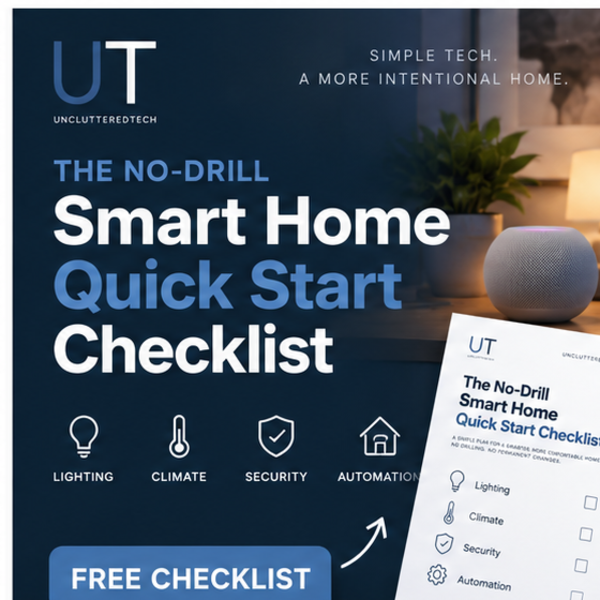
No-Drill Smart Home Quick Start Checklist (Free)
You don't need to own the place, drill a hole, or call the landlord to build a real smart home. This free 2-page checklist is where to start.
$0Practical guides, templates, and tools designed to make your digital life simpler and more intentional.
You don't need to own the place, drill a hole, or call the landlord to build a real smart home. This free 2-page checklist is where to start.
$0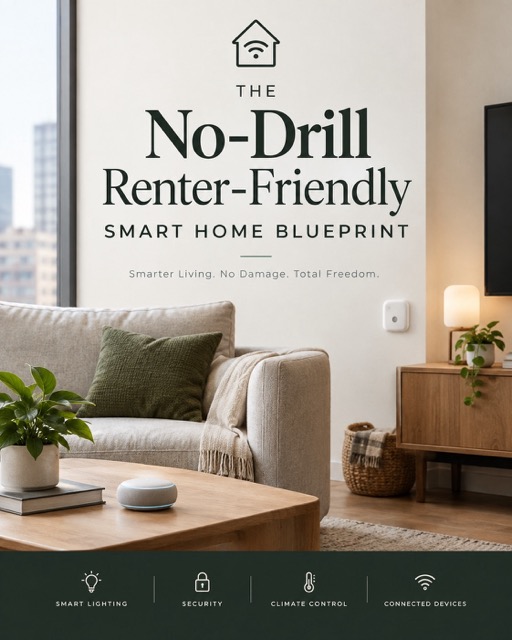
Renters assume a real smart home needs drilling, rewiring, or a landlord's permission, so they either never start or end up with a cluttered pile of mismatched devices and a dozen apps. There's no calm, opinionated plan for building capability into a place you don't own.
$5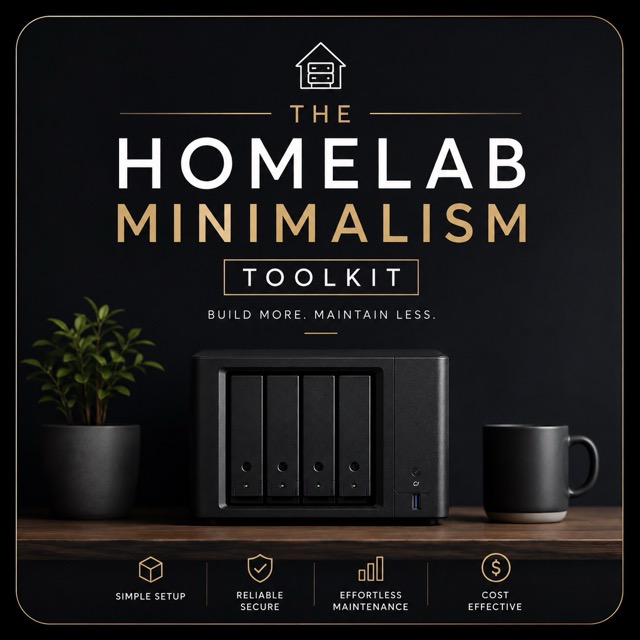
Adding more to your homelab can make it simpler. Removing things can make it harder to run. This short guide is about telling the difference. It's the free companion to the UnclutteredTech video "The Homelab Minimalism Trap: Less Gear, More Friction."
$0
Tech Setup Checklists — Printable Guides for New PC, Router, Backup & Password Manager
$10
Every Proxmox tutorial assumes you already know what Proxmox is. This guide doesn't. It starts from "never installed a hypervisor before" and walks through exactly what to buy, how to install Proxmox, how to set up your first VM, and how to configure networking and backups properly — no wasted time deciding between 40 conflicting Reddit threads and YouTube tutorials.
$15
Stop losing track of IP addresses, warranty dates, and "wait, what did I change last time this broke." This is a ready-to-use Obsidian vault built specifically for homelab owners and self-hosters. Drop in your gear, and you've got a single source of truth for your whole setup — searchable, linkable, and yours to keep forever (it's just text files, no lock-in).
$5
Most homelab beginners copy an advanced setup, install Proxmox, and quit when the dashboard is empty and nothing works. This checklist gives you the order to actually do it in: Page 1 - Day One Homelab Checklist Page 2 - Proxmox Day One Checklist For when you've outgrown the basics. Free download. If it's useful, subscribe to UnclutteredTech on YouTube for more practical, Tech, homelab and self-hosting content.
$0